Designing a governance playbook for local and hosted AI agents in Microsoft Foundry
Designing a governance playbook for local and hosted AI agents in Microsoft Foundry


Agent governance fails when policy shows up after the sprawl.
With Foundry Local now generally available and Microsoft’s hosted Foundry agent patterns getting easier to stand up, the old cloud mistake is back in a new form: teams can create useful agents faster than enterprises can define who owns them, what they can access, and how their behavior is reconstructed later.
My view is simple: local and hosted AI agents in Microsoft Foundry are not one governance problem, and they are not two separate programs. They are two distinct risk profiles under one operating model. If you do not standardize identity, data boundaries, model approval, prompt and tool controls, telemetry, evaluation, human checkpoints, and cost guardrails early, shadow agents and weak auditability become the default architecture.
Microsoft’s platform direction makes a strong case for this. The Cloud Adoption Framework treats AI governance as an operating model, not a one-time review. Azure API Management’s AI gateway is positioned as a control plane to secure, scale, monitor, and govern AI models, agents, and tools. Foundry workflows orchestrate declarative action sequences that often need approval and traceability at runtime, not just at deployment. The pattern is clear: governance works best when it is built into execution paths, lifecycle controls, and platform defaults rather than left in static policy documents.
Why the governance window is now
The usual advice is to let teams experiment first and standardize later. For agents, that is risky.
Foundry’s quickstart shows how fast a team can create and converse with an agent once a model is deployed. That speed is valuable, but it also means weak defaults spread quickly. If your estate can produce ten agents in a sprint, it can also produce ten prompt patterns, ten tool connection styles, ten logging schemas, and ten different answers to “who approved this?”
A CDO I advised in Q4 had 12 internal agents live across HR, finance, and service operations before anyone could answer which three had write access to ticketing systems.
The failure mode is predictable:
- shadow agents no central team can inventory
- weak auditability during incidents
- unmanaged tool access that turns assistants into actors
- unclear business ownership
- runaway spend across models, tools, and orchestration steps
The answer is not heavy process. It is a minimum viable playbook: a small mandatory control set for every agent, with stricter controls for higher-risk use cases.
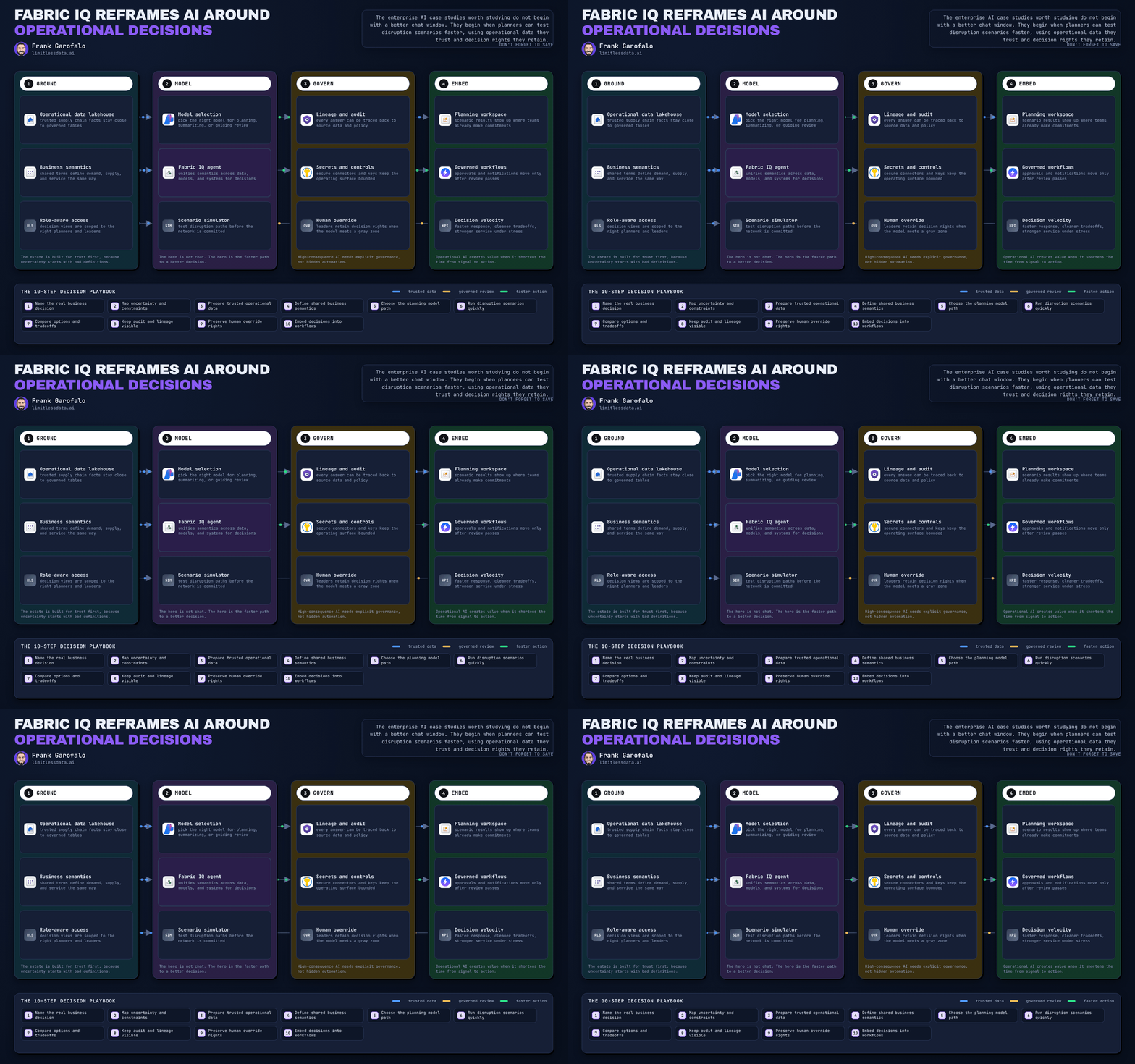
One takeaway: local and hosted paths differ, but the governance backbone should be shared.

The point is convergence: different execution models, one control spine.
Start with two risk profiles, not two product camps
The biggest mistake I see is treating local-first versus hosted agents as a tooling preference. It is a control problem.
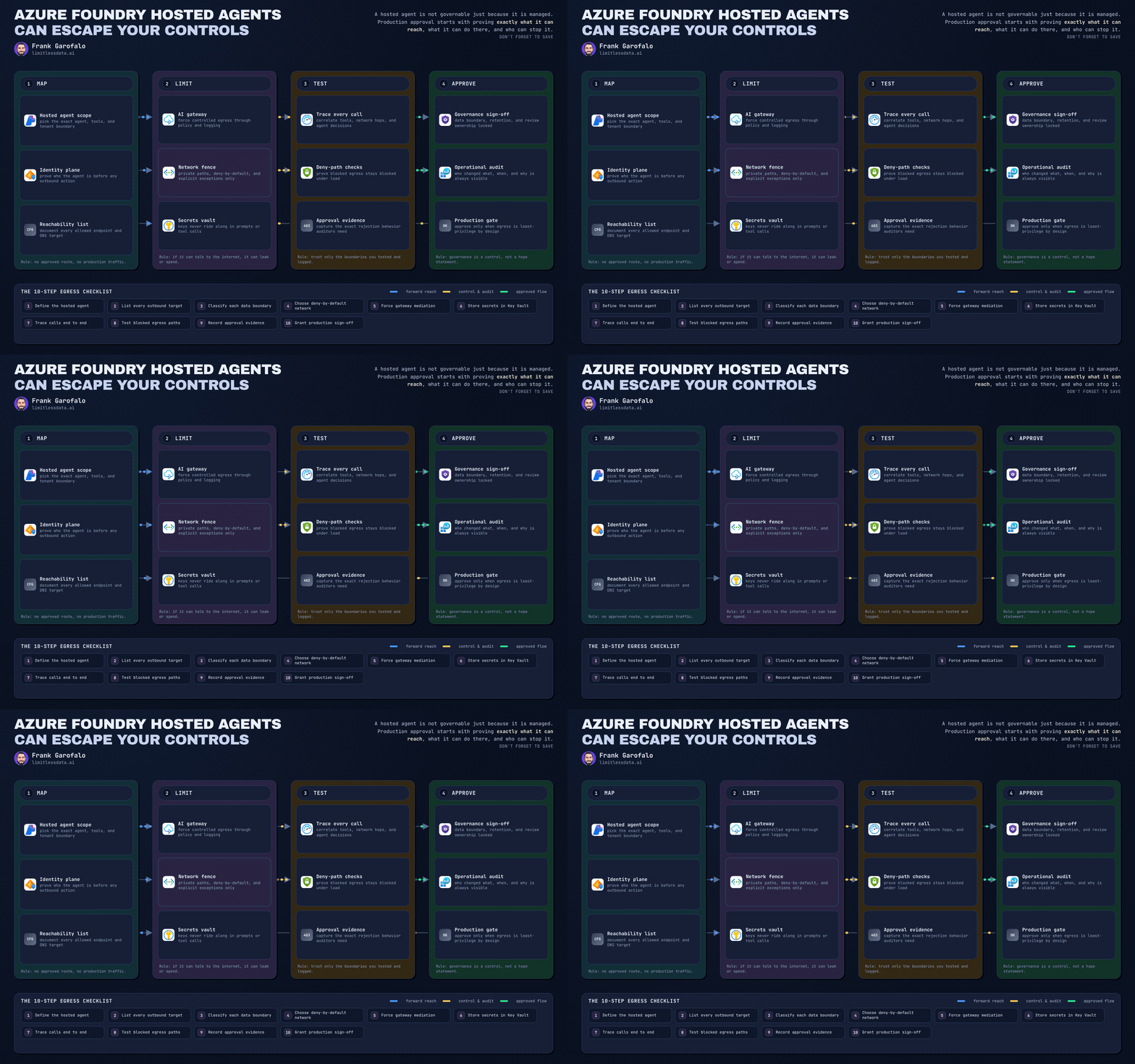
Hosted agents are easier to govern centrally. They fit naturally into Azure controls, centralized observability, and enterprise integration boundaries. But they also create a larger blast radius when identity, tools, or data access are misconfigured.
Local-first agents have the opposite shape. They can support edge or device-resident execution, but governance gets harder: endpoint trust matters more, telemetry may be delayed, policy enforcement can fragment across devices, and version drift becomes a real issue.
So the playbook should use one taxonomy with three dimensions:
- Execution pattern: local-first or hosted
- Sensitivity tier: public, internal, confidential, regulated
- Autonomy level: assist, act-with-approval, bounded automation
That gives you one governance language without pretending the controls are identical.
The minimum viable governance playbook
These are the mandatory control domains:
- identity and ownership
- data boundaries
- model approval
- prompt and tool controls
- telemetry and tracing
- evaluation
- human-in-the-loop checkpoints
- cost guardrails
That sounds broad, but it becomes manageable when implemented as platform defaults and review workflows.
A simple policy object is often the best starting point because it forces teams to declare the basics explicitly.
# Governance policy model for local and hosted AI agents in Foundry
from dataclasses import dataclass, field
from typing import List

@dataclass
class AgentPolicy:
    name: str
    hosting: str
    allowed_models: List[str]
    allowed_tools: List[str]
    requires_human_approval: bool
    data_boundary: str
    max_daily_cost_usd: float
    required_tags: List[str] = field(default_factory=lambda: ["Owner", "Environment", "DataClass"])

policy = AgentPolicy(
    name="finance-assistant",
    hosting="hosted",
    allowed_models=["gpt-4.1", "phi-4"],
    allowed_tools=["search", "sql-readonly"],
    requires_human_approval=True,
    data_boundary="EU",
    max_daily_cost_usd=50.0,
)
print(policy)
This is an illustrative governance pattern, not Foundry platform code. The important part is the policy shape. If a team cannot express an agent in these terms, it is not ready for production.

Identity and ownership
No agent without a principal, an owner, and a scope.
Microsoft documents Foundry RBAC scopes, built-in roles, and assignment patterns. In practice, that supports a clean separation of duties: builders can develop within a project scope, approvers can control promotion or workflow changes, operators can manage runtime health, and auditors can review traces and access history without changing the agent. That is a concrete Microsoft-friendly pattern for reducing both accidental privilege creep and unclear accountability.
Every agent should have:
- a named business owner
- a named technical owner
- a deployment scope
- a lifecycle status such as prototype, pilot, production, retired
- a workload identity for tools and data access
Use managed identities or service principals for tool and data access. Do not allow shared credentials. Prompts, workflow definitions, and tool connections should be treated as privileged assets because they shape behavior, permissions, and business outcomes.
Data boundaries
Most governance programs focus on the data source. Agents force you to govern the full path:
- where context is retrieved
- where prompts are processed
- where traces are stored
- where outputs are sent
- where memory is retained, if at all
For local-first execution, define stricter rules for what data classes are allowed on device and how traces are buffered and uploaded. For hosted execution, align approved data classes with your landing zone, network, and workload segmentation patterns in Azure.
If your policy says confidential data is allowed, that is still incomplete. You need explicit rules for retrieval sources, transcript retention, cross-boundary movement, and redaction before persistence.
# Redact sensitive fields before persisting prompts and tool payloads
import json

payload = {
    "user": "alex@contoso.com",
    "prompt": "Summarize invoice INV-4432 for customer Fabrikam",
    "tool_input": {"account_number": "99887766", "amount": 1240.55},
}

redacted = {
    **payload,
    "user": "***",
    "tool_input": {**payload["tool_input"], "account_number": "********"},
}
print(json.dumps(redacted, indent=2))
The point is not just masking fields. It is proving that prompt and tool payload persistence follows a defined handling policy before logs and traces become a compliance problem.
Model approval and tool controls are the new change management
The most important governance artifact is no longer only the model deployment. It is the combination of model, system prompt, workflow, and tool set.
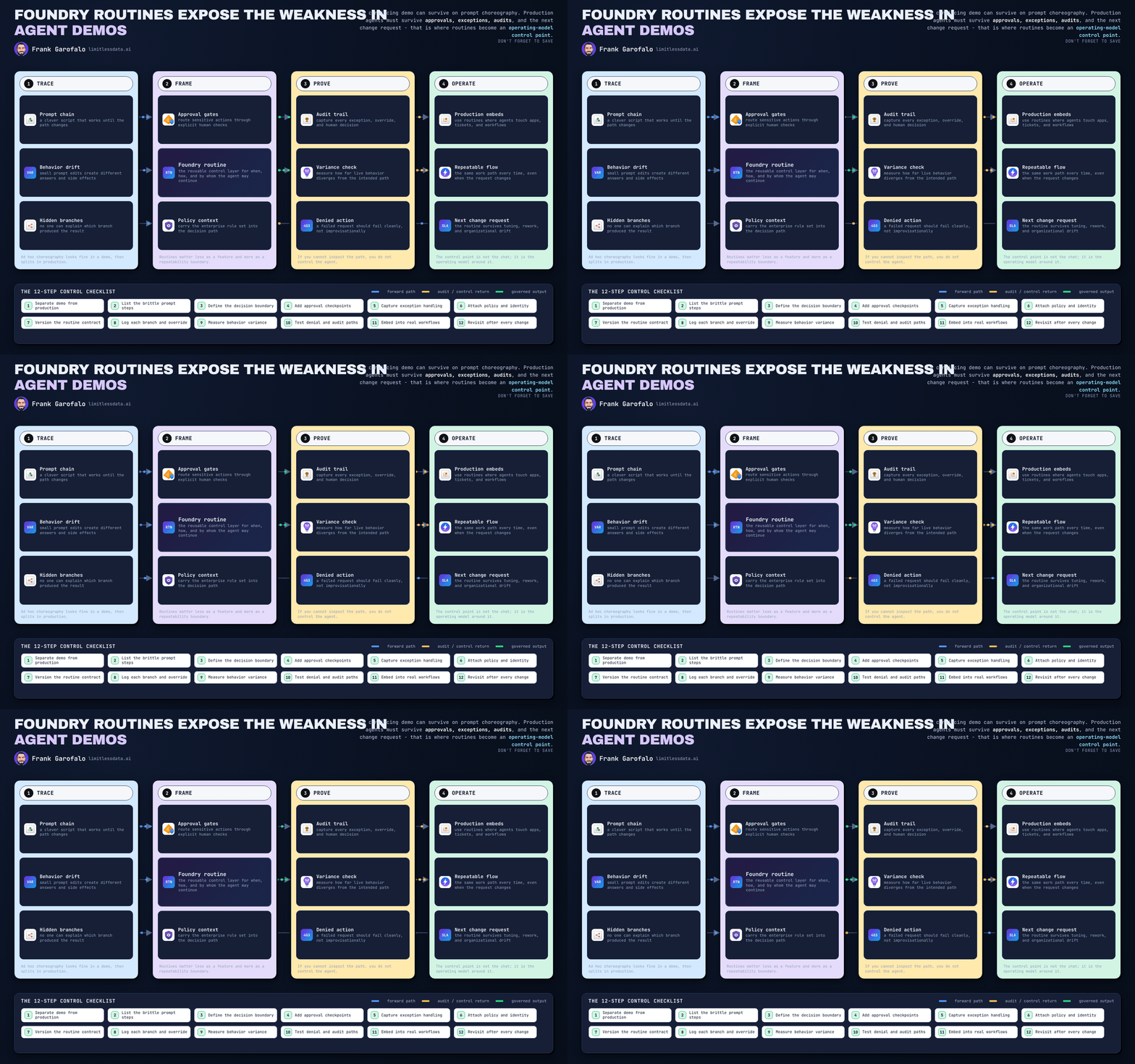
Foundry workflows increase the need for review and traceability at the workflow layer because business risk often lives in the sequence, not in the model alone. A harmless summarization model plus a write-capable tool plus an auto-execution step is not a harmless assistant anymore.
That is why I recommend a model approval catalog by:
- use case
- risk tier
- allowed deployment pattern
- approved tools
- required approval mode
This is also where Azure API Management’s AI gateway becomes strategically useful. In Microsoft environments, it can act as a central enforcement point for model allow-listing, token and rate controls, prompt or request inspection, and mediation of tool-facing calls before they reach downstream services. That is much stronger than asking every app team to implement its own checks inconsistently.
Here is an Azure-shaped pseudo-example of a pre-execution gate. It is still illustrative, but it reflects the kind of policy logic you would centralize around APIM, managed identity, and trace metadata.
# Illustrative Azure-shaped policy gate using managed identity context and APIM-style checks
request = {
    "model": "gpt-4.1",
    "tool": "email-send",
    "approval_state": "pending",
    "principal_type": "managed_identity",
    "trace_tags": {"Owner": "FinanceOps", "Environment": "Prod", "DataClass": "Confidential"},
}

policy = {
    "allowed_models": {"gpt-4.1", "phi-4"},
    "allowed_tools": {"search", "sql-readonly"},
    "approval_required_tools": {"email-send", "ticket-close"},
    "required_tags": {"Owner", "Environment", "DataClass"},
}

model_ok = request["model"] in policy["allowed_models"]
tool_known = request["tool"] in policy["allowed_tools"] | policy["approval_required_tools"]
approval_ok = request["tool"] not in policy["approval_required_tools"] or request["approval_state"] == "approved"
identity_ok = request["principal_type"] == "managed_identity"
tags_ok = policy["required_tags"].issubset(set(request["trace_tags"].keys()))

decision = "allow" if all([model_ok, tool_known, approval_ok, identity_ok, tags_ok]) else "deny"
print({"decision": decision, "model_ok": model_ok, "tool_known": tool_known, "approval_ok": approval_ok, "identity_ok": identity_ok, "tags_ok": tags_ok})
The design choice matters: “tool known” is not enough. Some tools must be approval-gated even when they are approved tools.

If you cannot reconstruct behavior, you do not control it
Tracing is not an ops nice-to-have. It is the backbone of governance.
For production agents, make tracing mandatory. For preproduction, make it the default and require exceptions to disable it. The minimum audit record should include:
- identity
- model name and version
- prompt template name and version
- retrieved sources
- tool calls
- policy decisions
- human approvals
- cost metrics
- input classification
Hosted patterns make centralized telemetry easier. Local-first patterns require deliberate design for delayed or partial trace collection, secure buffering, and reconciliation when devices reconnect.
A governance-grade trace record can be simple.
# Example of governance-grade structured trace metadata for an agent run
import json
from datetime import datetime, timezone

trace = {
    "timestamp": datetime.now(timezone.utc).isoformat(),
    "agent_id": "finance-assistant",
    "run_id": "run-2026-05-12-001",
    "hosting": "hosted",
    "model": {"name": "gpt-4.1", "version": "2026-04-15"},
    "prompt_template": {"name": "expense-triage", "version": "v7"},
    "tool_calls": [{"tool": "sql-readonly", "status": "success", "duration_ms": 182}],
    "human_approval": {"required": True, "state": "approved", "approver": "ops@contoso.com"},
    "input_classification": "Confidential",
    "cost": {"prompt_tokens": 812, "completion_tokens": 221, "usd_estimate": 0.034},
}
print(json.dumps(trace, indent=2))
If your trace schema cannot answer who did what, with which model and prompt, using which tools, under which approval state, your control story will not hold up under scrutiny.
Autonomy should be earned, and cost should be governed with it
Teams often jump from “assistant” to “automation” because the demo works. That is backwards.
Use a staged autonomy model:
- Assist: draft, summarize, recommend
- Act with approval: prepare actions but require a human checkpoint
- Bounded automation: only after evaluation thresholds are met and controls are proven
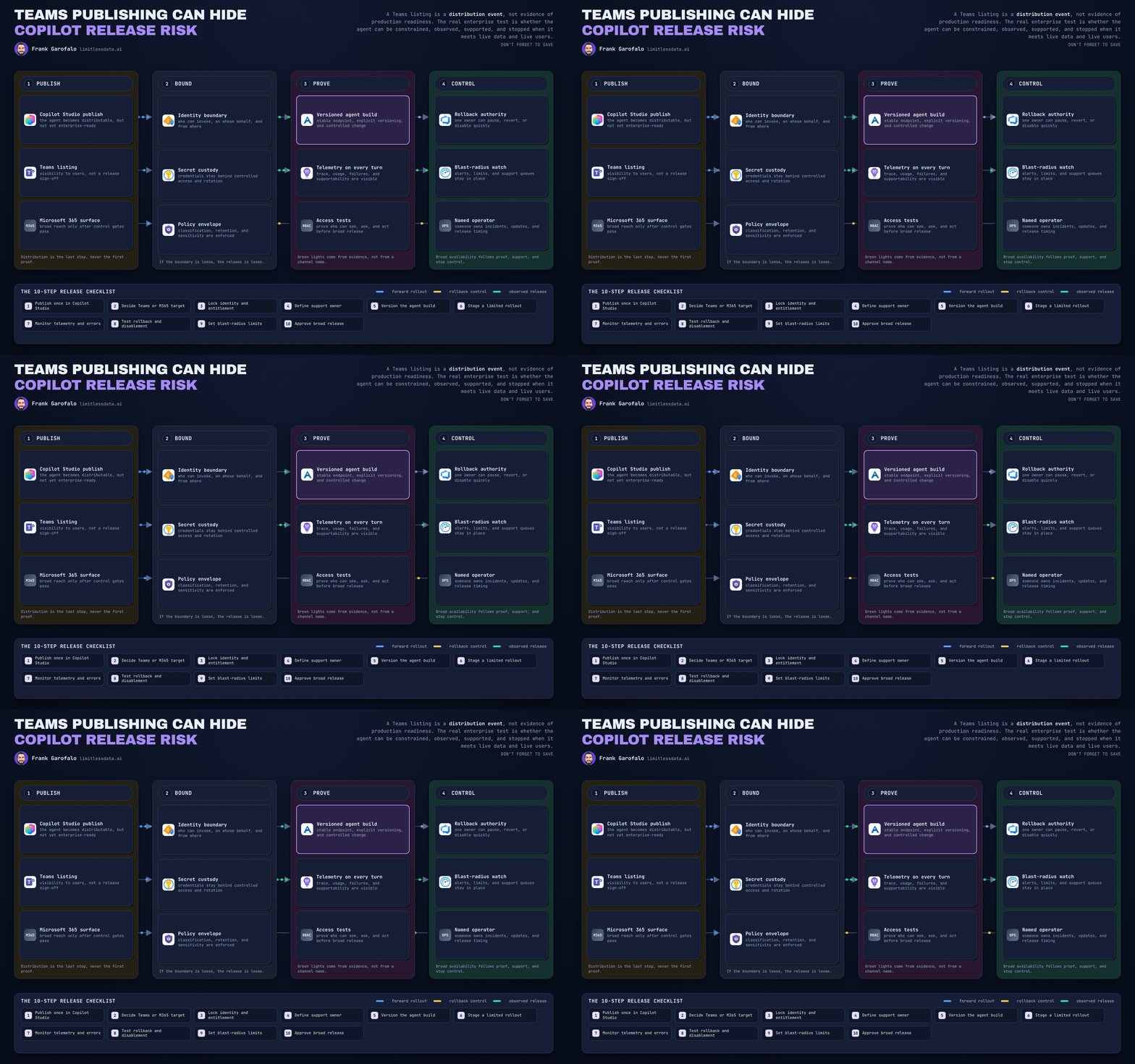
Human checkpoints should be mandatory for high-impact actions such as external communications, financial commitments, record updates, or sensitive disclosures. Foundry workflows are useful here, but approval gates and exception handling must be explicit.
One takeaway: approvals should carry enough trace context for a human to make a real decision.

The interpretation is simple: a human approver needs evidence, not a vague approve-or-deny prompt.
Cost governance belongs here too. Autonomy multiplies spend across tokens, retrieval, tool calls, workflow hops, and retries. Hosted patterns make consumption visible but can scale rapidly. Local-first patterns can hide distributed inference and support costs in devices and operations. Either way, quotas, budget alerts, model-tier policies, and kill switches are part of governance.
# Daily cost guardrail for agent runs across local and hosted deployments
runs = [
    {"agent": "finance-assistant", "hosting": "local", "usd": 3.20},
    {"agent": "finance-assistant", "hosting": "hosted", "usd": 12.80},
    {"agent": "finance-assistant", "hosting": "hosted", "usd": 9.10},
]

limit = 20.00
spent = sum(r["usd"] for r in runs)
status = "block_new_runs" if spent >= limit else "allow_runs"

print({"agent": "finance-assistant", "spent_usd": round(spent, 2), "limit_usd": limit, "status": status})
This is illustrative, not production-ready, but the behavior is right: once an agent crosses a defined threshold, new runs should be blocked or downgraded until reviewed.

A 90-day operating model leaders can actually implement
If you want a practical rollout, do this in the next 90 days.
Days 1-30: define the taxonomy and mandatory controls
- classify agents by execution pattern, sensitivity tier, and autonomy level
- require owner, technical owner, environment, and data classification tags
- publish approved model and tool lists by risk tier
- define the minimum trace schema
- define which actions always require human approval
Days 31-60: make the platform enforce the defaults
- implement Foundry RBAC patterns with separation for builders, approvers, operators, and auditors
- use Azure API Management AI gateway as the central policy enforcement layer where possible
- standardize managed identity or service principal usage for tools and data access
- implement budget alerts, quotas, and environment caps
- define exception workflows with expiration dates
Days 61-90: review as a portfolio, not a pile of projects
- stand up a lightweight review board with platform, security, data governance, and business product owners
- review all production and pilot agents against the minimum baseline
- retire orphaned experiments with no owner or no measurable value
- move only evaluated agents into higher autonomy tiers
This is where Azure Architecture Center and Cloud Adoption Framework guidance become practical. Their baseline architectures, operating-model guidance, and production patterns should become governance guardrails, not optional reading.
My strongest opinion in this space is this: the goal of governance is not to slow teams down. It is to prevent a future cleanup program caused by preventable sprawl.
If your organization is adopting Microsoft Foundry for both local and hosted agents, the minimum viable playbook is not bureaucracy. It is the price of scaling safely.

Rate your team’s current state on this specific question from 1 to 5: can you identify every production agent, its owner, its approved tools, and its last auditable action within 30 minutes?
#AzureAI #EnterpriseAI #AIAgents
Sources & References
- Azure Architecture Center - Azure Architecture Center
- AI gateway capabilities in Azure API Management
- Cloud Adoption Framework for Microsoft - Cloud Adoption Framework
- Architect AI Solutions For Business Productivity - Training
- Build a workflow in Microsoft Foundry - Microsoft Foundry
- Develop AI Agents on Azure - Training
- Microsoft Foundry Quickstart - Microsoft Foundry
- Role-based access control for Microsoft Foundry - Microsoft Foundry
- Develop natural language solutions in Azure - Training
- AI Architecture Design - Azure Architecture Center
Try it yourself
Run this tutorial as a Jupyter notebook: Download runbook.ipynb (32 cells, 30 KB).