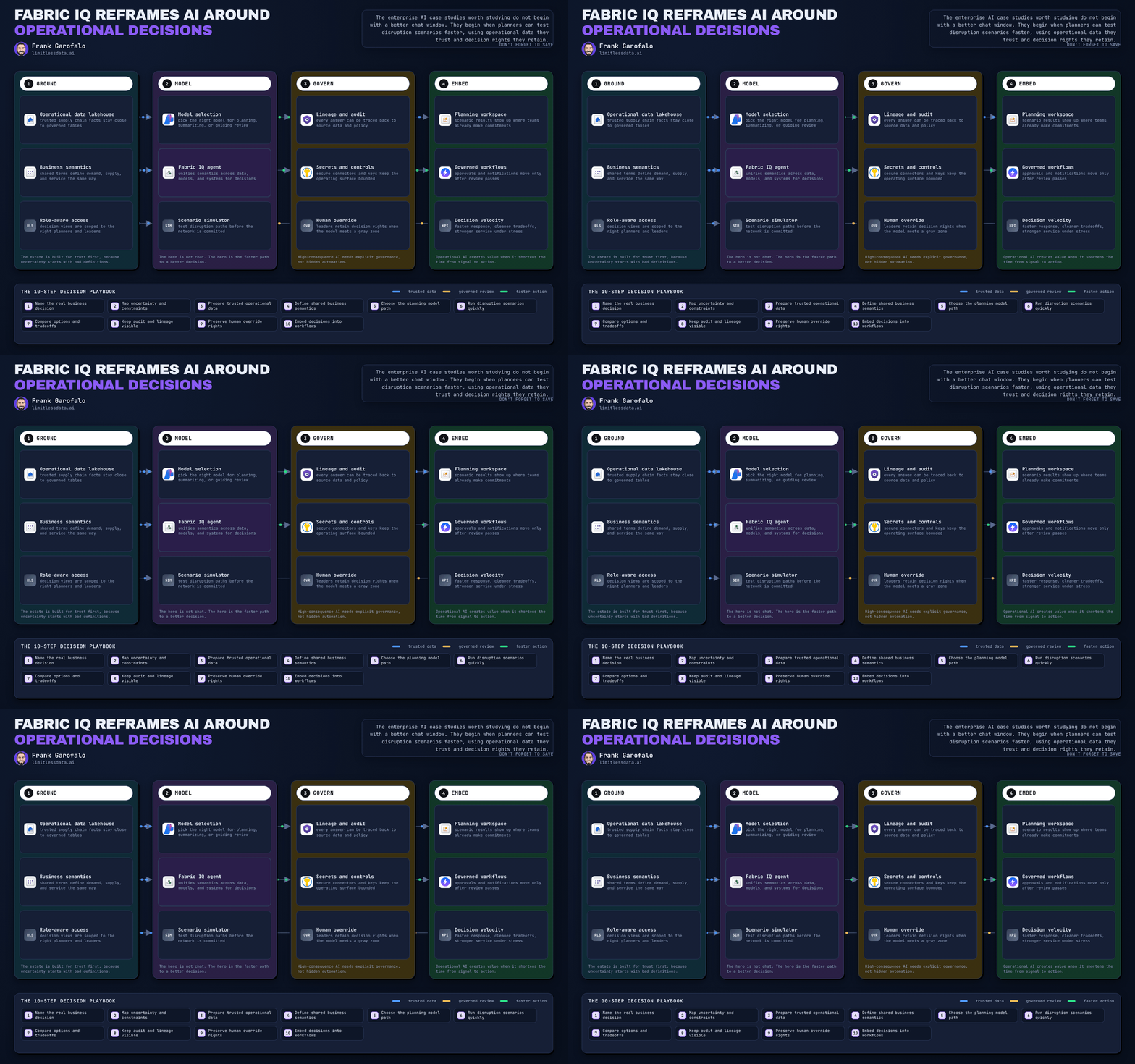
Fabric OneLake Roles Just Rewired Enterprise Governance
How OneLake Cross-Workspace Role Management Changes Fabric Governance


OneLake cross-workspace roles are not a convenience feature
Cross-workspace role management in OneLake looks like an admin quality-of-life feature. I think that reading undersells it.
This is a control-plane change. In small Fabric environments, centralized role visibility sounds helpful. In large estates with many domains and workspaces, it changes how access, accountability, and governance operate.
That matters because more of the security conversation moves into OneLake-centric governance surfaces instead of staying scattered across local admin habits, workspace-by-workspace exceptions, and undocumented approvals.
The easy take: this just makes admins faster
Yes, it reduces clicks.
But the bigger issue is what it does to the operating model.
Historically, Fabric access management often followed workspace boundaries, local ownership patterns, and a mix of workspace roles plus item-level permissions. That flexibility is useful early. At enterprise scale, it becomes drag unless someone imposes structure.
The old pattern was fragmented by design:
- Access reviews depended on local admins answering emails
- Ownership was often implied rather than documented
- Role usage drifted over time
- Security teams could define principles centrally, but verification stayed uneven
Last quarter I worked with a 14-workspace Fabric rollout where the finance domain needed three weeks to confirm who approved Contributor access in a shared lakehouse. The answer was split across two workspace admins, one Teams thread, and an undocumented service account.
That is not a tooling inconvenience. That is a governance failure mode.
What changes with OneLake centralization
OneLake is increasingly where organizations discover, govern, and secure Fabric assets. When security posture becomes visible and manageable across workspaces from OneLake governance surfaces, Fabric governance stops being primarily workspace-by-workspace administration and starts becoming centralized control-plane operations.
That changes four things immediately:
- Who can see access posture at scale
- Who can act on it
- How quickly policy intent becomes permissions
- How quickly bad patterns can spread if governance is weak
That is why this matters now. In a pilot, friction is annoying. In a platform, friction slows onboarding, recertification, and audits.
My view: this is a governance multiplier, not a UI enhancement
Cross-workspace role management shifts Fabric governance from fragmented administration toward a more centralized model for security and oversight.
That is good news and dangerous news at the same time.
- If workspace boundaries are clean, you scale consistency
- If ownership is explicit, you scale accountability
- If role patterns are standardized, you scale auditability
- If none of those are true, you scale privilege sprawl
That is the real implication. Centralization multiplies whatever governance quality you already have.
Before you celebrate, check whether your estate is governable
If you want to treat this as a control-plane change, do not start by assigning more roles. Start by checking whether your estate is governable.
The first check is boring and essential: do your workspace names and ownership records support auditability?
Here is a lightweight PowerShell example that inventories workspaces and validates basic ownership and naming conventions.
# Inventory workspaces and validate ownership plus naming conventions
$workspaces = @(
    [pscustomobject]@{ Name = "Sales-Prod"; Owner = "sales.owner@contoso.com"; Capacity = "F64" }
    [pscustomobject]@{ Name = "Finance-Shared"; Owner = ""; Capacity = "F64" }
    [pscustomobject]@{ Name = "hr_prod"; Owner = "hr.owner@contoso.com"; Capacity = "F32" }
)

$pattern = '^[A-Z][A-Za-z]+-(Prod|Dev|Test|Shared)What to observe: a workspace with no owner or a noncompliant name is not just untidy. It weakens every future access review because reviewers cannot reliably infer purpose, accountability, or environment class.The second check is whether you can normalize cross-workspace assignments into something reviewable.The Python example below is conceptual governance analysis, not direct Fabric automation. In a real implementation, the role and principal data should come from authoritative Fabric admin exports, governance surfaces, and directory metadata such as Microsoft Graph or Entra ID records.# Load and normalize cross-workspace role assignment data for governance analysis
import pandas as pd

assignments = pd.DataFrame([
    {"source_workspace": "Sales-Prod", "target_workspace": "Finance-Shared", "principal": "alex@contoso.com", "role": "Contributor"},
    {"source_workspace": "Sales-Prod", "target_workspace": "Finance-Shared", "principal": "bi-team@contoso.com", "role": "Viewer"},
    {"source_workspace": "HR-Prod", "target_workspace": "Finance-Shared", "principal": "alex@contoso.com", "role": "Contributor"},
    {"source_workspace": "DataOps-Platform", "target_workspace": "Sales-Prod", "principal": "svc-fabric-sync", "role": "Admin"},
])

assignments["cross_workspace"] = assignments["source_workspace"] != assignments["target_workspace"]
assignments["principal_type"] = assignments["principal"].apply(
    lambda p: "service" if p.startswith("svc-") else ("group" if p.endswith("@contoso.com") and "-" in p.split("@")[0] else "user")
)

print(assignments)
What to observe: once you normalize source workspace, target workspace, principal, and role into one table, governance conversations become concrete.One caveat: the principal classification above is intentionally simplistic. In real enterprises, group detection should come from authoritative Entra ID metadata, not naming heuristics.The third check is the one many teams skip: can you detect privilege sprawl before an auditor does?# Detect privilege sprawl by counting how many target workspaces each principal can access
import pandas as pd

df = pd.DataFrame([
    {"principal": "alex@contoso.com", "target_workspace": "Finance-Shared", "role": "Contributor"},
    {"principal": "alex@contoso.com", "target_workspace": "HR-Prod", "role": "Viewer"},
    {"principal": "alex@contoso.com", "target_workspace": "Sales-Prod", "role": "Contributor"},
    {"principal": "svc-fabric-sync", "target_workspace": "Sales-Prod", "role": "Admin"},
    {"principal": "bi-team@contoso.com", "target_workspace": "Finance-Shared", "role": "Viewer"},
])

summary = (
    df.groupby("principal")
      .agg(target_workspace_count=("target_workspace", "nunique"),
           elevated_roles=("role", lambda s: int(s.isin(["Admin", "Member", "Contributor"]).sum())))
      .reset_index()
)

sprawl = summary[(summary["target_workspace_count"] >= 3) | (summary["elevated_roles"] >= 2)]
print(sprawl.sort_values(["elevated_roles", "target_workspace_count"], ascending=False))
What to observe: centralization makes this analysis easier. It also exposes uncomfortable truths quickly. A single user with Contributor across three target workspaces may be legitimate, but it should never be invisible.The governance workflow is the pointThe operational value is not the admin screen by itself. It is the repeatable workflow from metadata collection to findings to remediation.A simple version looks like this:Collect workspace metadata
Collect cross-workspace role assignments
Normalize identities, roles, and scopes
Validate naming and ownership standards
Detect privilege sprawl and elevated access patterns
Produce an access review report
Feed exceptions into a remediation backlog

And when you need a review artifact, generate one deliberately. This example exports a cross-workspace access review report with priority tagging for elevated roles.# Export an access review report that highlights cross-workspace grants and review priority
import pandas as pd

df = pd.DataFrame([
    {"source_workspace": "Sales-Prod", "target_workspace": "Finance-Shared", "principal": "alex@contoso.com", "role": "Contributor"},
    {"source_workspace": "HR-Prod", "target_workspace": "Finance-Shared", "principal": "alex@contoso.com", "role": "Contributor"},
    {"source_workspace": "DataOps-Platform", "target_workspace": "Sales-Prod", "principal": "svc-fabric-sync", "role": "Admin"},
])

high_risk_roles = {"Admin", "Member", "Contributor"}
df["review_priority"] = df["role"].apply(lambda r: "High" if r in high_risk_roles else "Normal")
df["review_note"] = df.apply(
    lambda row: f"{row['principal']} has {row['role']} from {row['source_workspace']} to {row['target_workspace']}",
    axis=1,
)

report = df[["principal", "source_workspace", "target_workspace", "role", "review_priority", "review_note"]]
report.to_csv("cross_workspace_access_review.csv", index=False)
print(report)
What to observe: this is not production governance by itself, but it is the right shape for periodic recertification. It turns broad concern into a review queue.Where this breaks if you are sloppyThis feature does not remove Fabric security complexity.Two practical edge cases matter:Propagation timing: role definition changes are not always instantaneous, so runbooks and review procedures need to account for delay
Separation of duties: if the same people can request, approve, assign, and review cross-workspace access, centralization just makes weak governance more efficient

A workable pattern is:Domain owners decide business need
Workspace owners execute within guardrails
Platform or security teams monitor posture and exceptions
Control owners review evidence and remediation
What to change nowIf you want the upside without the sprawl, do these five things before centralization scales your existing mess:1. Define workspace archetypes
Use standard patterns such as domain-prod, domain-dev, shared-consumption, and platform-ops.2. Separate oversight from execution
Use centralized governance surfaces for visibility and review, not blanket assignment authority.3. Standardize role intent
Document what Admin, Member, Contributor, and Viewer mean in your Fabric context.4. Clean up ownership metadata
Every workspace should have a named owner and steward.5. Build recertification before expansion
Periodic access reviews should be scheduled, evidence-backed, and tied to remediation.Bottom lineCross-workspace role management is one of those Fabric changes that looks small in release notes and large in enterprise consequence.If you treat it as an admin convenience, you will gain speed and still struggle with control.If you treat it as a governance control-plane shift, you can move Fabric toward a more centralized operating model for security and oversight without giving up federated data ownership.That is why I am opinionated about it: the feature does not solve governance. It reveals whether your workspace boundaries, role design, ownership model, and audit discipline were real in the first place.Where does my claim break for your environment: is cross-workspace role centralization helping you reduce audit friction, or is it exposing that your workspace model was never governance-ready?#MicrosoftFabric #Datagovernance #Onelake
Sources & ReferencesOneLake Security for SQL analytics endpoints - Microsoft Fabric
OneLake catalog overview - Microsoft Fabric
Govern your Fabric data with the OneLake catalog - Microsoft Fabric
Secure your data - Microsoft Fabric
IDEAS journey to a modern data platform with Fabric - Microsoft Fabric
Fabric Governance and Security Baselines - Cloud Adoption Framework
Permission model - Microsoft Fabric
Lakehouse git integration and deployment pipelines - Microsoft Fabric
OneLake security access control model - Microsoft Fabric
Governance and compliance in Microsoft Fabric - Microsoft Fabric

$results = $workspaces | ForEach-Object {
    [pscustomobject]@{
        Workspace = $_.Name
        HasOwner = -not [string]::IsNullOrWhiteSpace($_.Owner)
        NameCompliant = $_.Name -match $pattern
        Capacity = $_.Capacity
    }
}

$results | Format-Table -AutoSize
What to observe: a workspace with no owner or a noncompliant name is not just untidy. It weakens every future access review because reviewers cannot reliably infer purpose, accountability, or environment class.
The second check is whether you can normalize cross-workspace assignments into something reviewable.
The Python example below is conceptual governance analysis, not direct Fabric automation. In a real implementation, the role and principal data should come from authoritative Fabric admin exports, governance surfaces, and directory metadata such as Microsoft Graph or Entra ID records.
CB1
What to observe: once you normalize source workspace, target workspace, principal, and role into one table, governance conversations become concrete.
One caveat: the principal classification above is intentionally simplistic. In real enterprises, group detection should come from authoritative Entra ID metadata, not naming heuristics.
The third check is the one many teams skip: can you detect privilege sprawl before an auditor does?
CB2
What to observe: centralization makes this analysis easier. It also exposes uncomfortable truths quickly. A single user with Contributor across three target workspaces may be legitimate, but it should never be invisible.
The governance workflow is the point
The operational value is not the admin screen by itself. It is the repeatable workflow from metadata collection to findings to remediation.
A simple version looks like this:
- Collect workspace metadata
- Collect cross-workspace role assignments
- Normalize identities, roles, and scopes
- Validate naming and ownership standards
- Detect privilege sprawl and elevated access patterns
- Produce an access review report
- Feed exceptions into a remediation backlog
And when you need a review artifact, generate one deliberately. This example exports a cross-workspace access review report with priority tagging for elevated roles.
CB3
What to observe: this is not production governance by itself, but it is the right shape for periodic recertification. It turns broad concern into a review queue.
Where this breaks if you are sloppy
This feature does not remove Fabric security complexity.
Two practical edge cases matter:
- Propagation timing: role definition changes are not always instantaneous, so runbooks and review procedures need to account for delay
- Separation of duties: if the same people can request, approve, assign, and review cross-workspace access, centralization just makes weak governance more efficient
A workable pattern is:
- Domain owners decide business need
- Workspace owners execute within guardrails
- Platform or security teams monitor posture and exceptions
- Control owners review evidence and remediation
What to change now
If you want the upside without the sprawl, do these five things before centralization scales your existing mess:
1. Define workspace archetypes
Use standard patterns such as domain-prod, domain-dev, shared-consumption, and platform-ops.
2. Separate oversight from execution
Use centralized governance surfaces for visibility and review, not blanket assignment authority.
3. Standardize role intent
Document what Admin, Member, Contributor, and Viewer mean in your Fabric context.
4. Clean up ownership metadata
Every workspace should have a named owner and steward.
5. Build recertification before expansion
Periodic access reviews should be scheduled, evidence-backed, and tied to remediation.
Bottom line
Cross-workspace role management is one of those Fabric changes that looks small in release notes and large in enterprise consequence.
If you treat it as an admin convenience, you will gain speed and still struggle with control.
If you treat it as a governance control-plane shift, you can move Fabric toward a more centralized operating model for security and oversight without giving up federated data ownership.
That is why I am opinionated about it: the feature does not solve governance. It reveals whether your workspace boundaries, role design, ownership model, and audit discipline were real in the first place.
Where does my claim break for your environment: is cross-workspace role centralization helping you reduce audit friction, or is it exposing that your workspace model was never governance-ready?
#MicrosoftFabric #Datagovernance #Onelake
Sources & References
- OneLake Security for SQL analytics endpoints - Microsoft Fabric
- OneLake catalog overview - Microsoft Fabric
- Govern your Fabric data with the OneLake catalog - Microsoft Fabric
- Secure your data - Microsoft Fabric
- IDEAS journey to a modern data platform with Fabric - Microsoft Fabric
- Fabric Governance and Security Baselines - Cloud Adoption Framework
- Permission model - Microsoft Fabric
- Lakehouse git integration and deployment pipelines - Microsoft Fabric
- OneLake security access control model - Microsoft Fabric
- Governance and compliance in Microsoft Fabric - Microsoft Fabric
Try it yourself
Run this tutorial as a Jupyter notebook: Download runbook.ipynb (16 cells, 16 KB).