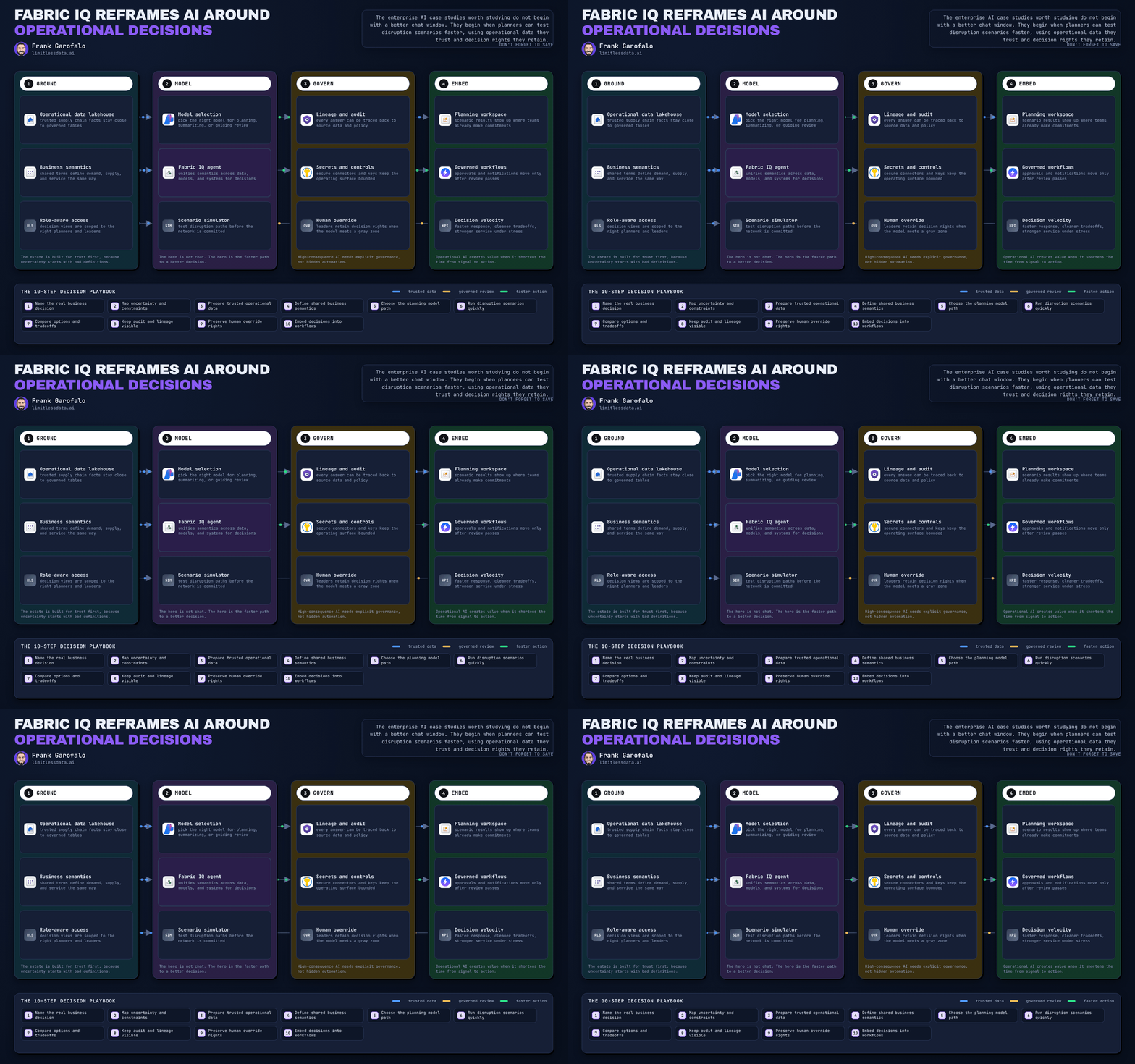
Microsoft Fabric Graph Just Redefined AI Data Context
What Graph in Fabric GA means for semantic data products and AI-ready analytics


Graph in Fabric reaching GA is more than a feature milestone. It signals Fabric’s evolution into a more relationship-aware semantic platform for AI-ready analytics.
Why that matters: most analytics platforms are great at facts, dimensions, and dashboards. But many high-value business questions are really about connections—what is linked to what, how risk propagates, and which dependencies matter. Graph in Fabric gives teams a governed way to model those relationships inside the broader Fabric environment.
That opens up practical use cases such as:
- supplier and operational dependency mapping
- fraud or anomaly network analysis
- customer, account, policy, or application relationship exploration
A simple way to explain the value: instead of forcing every question into joins and star schemas, teams can traverse relationships across customers, suppliers, policies, or applications and see impact paths more naturally.
This is also relevant for AI-ready data products. AI systems work better when they have explicit entities and relationships as grounding context—not just raw tables. That does not mean graph replaces warehouses, BI models, or SQL-centric analytics. It means Fabric now has a stronger option for the relationship-heavy cases where those patterns are not enough on their own.
I was recently in a workshop where a team struggled to represent second-order supplier dependencies in a traditional model; this is exactly the kind of problem where graph becomes easier to justify.
For Fabric leaders, the takeaway is straightforward: reassess Fabric not just as a unified analytics stack, but as a platform that is becoming more semantic and context-aware.
Which relationship-heavy use case in your environment is now easier to justify in Fabric?
#MicrosoftFabric #DataArchitecture #EnterpriseAI
Sources:
- Microsoft Fabric documentation: https://learn.microsoft.com/en-us/fabric/
- Fabric data agent concept: https://learn.microsoft.com/en-us/fabric/data-science/concept-data-agent
- Fabric IQ overview: https://learn.microsoft.com/en-us/fabric/iq/overview
- Fabric IQ ontology overview: https://learn.microsoft.com/en-us/fabric/iq/ontology/overview
Try it yourself
Run this tutorial as a Jupyter notebook: Download runbook.ipynb (21 cells, 16 KB).