Microsoft Fabric Is Becoming Your Event Backbone
From Data Integration to Business Events: The Next Step in Fabric Real-Time Analytics


Fabric’s biggest shift is not better ETL. It’s turning analytics into business events that can trigger action.
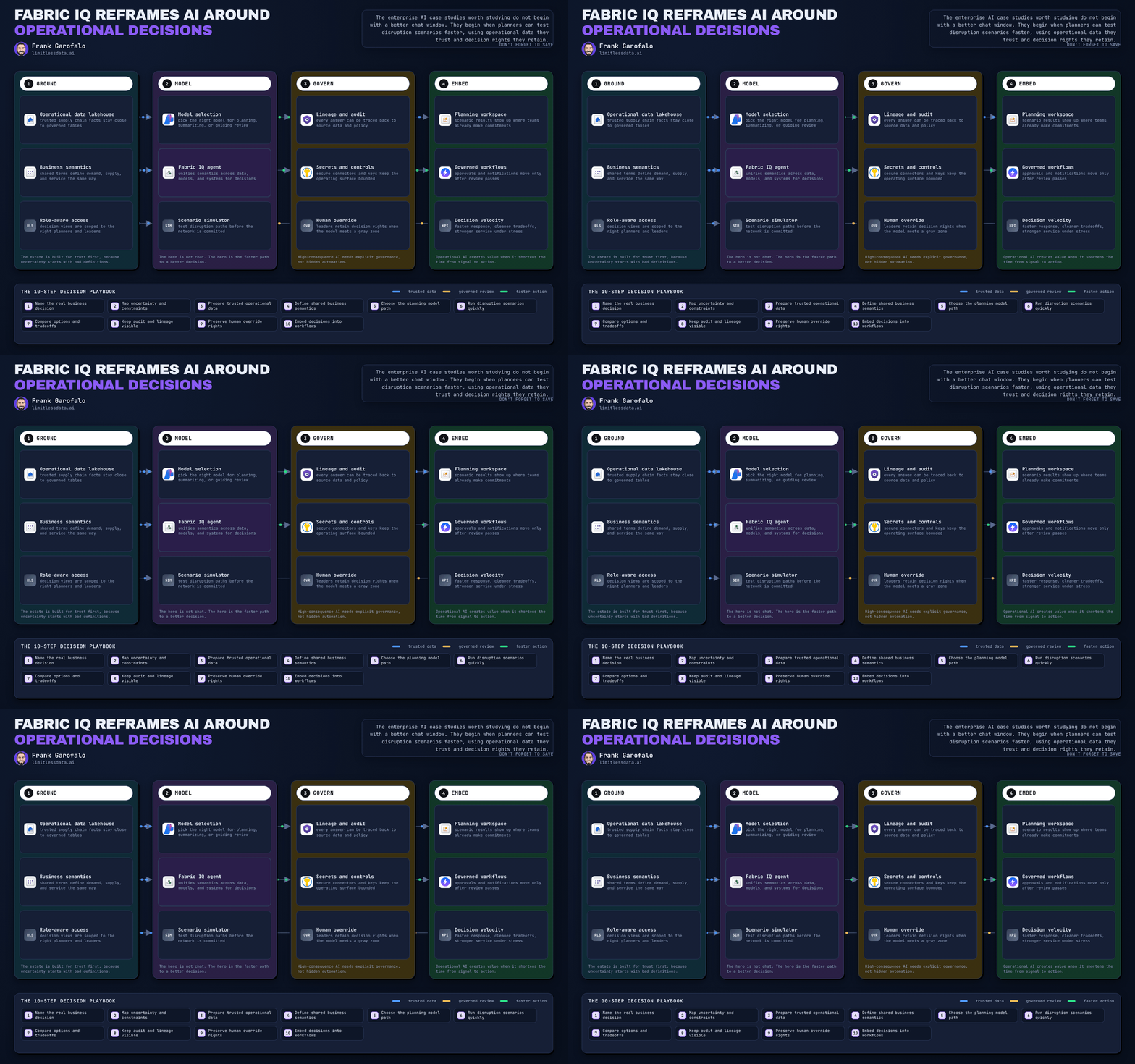
Most Fabric conversations still center on ingestion pipelines, medallion layers, and dashboards. Those still matter. But they are no longer the most strategic part of the platform. The more important move is that Fabric is increasingly able to turn analytical signals into structured, routable business events that can feed alerts, workflows, downstream applications, and eventually AI-driven automation.
That is a bigger architectural change than another connector or semantic model feature.
Fabric still supports multiple integration patterns: batch orchestration, mirroring, shortcuts, and low-latency event flows. But Microsoft’s own guidance increasingly separates traditional data movement from event-driven, low-latency operating models. That distinction matters.
A recent operations team I worked with had a Power BI dashboard flagging warehouse SLA risk every 15 minutes, but escalation still depended on one supervisor refreshing the report and emailing a regional manager. The analytics worked. The operating model did not.
The real Fabric story is moving from insight to intervention
If your mental model is still “How do I land data in the right store and visualize it?” you are optimizing for hindsight.
If your mental model becomes “What signal matters, how fast must it move, and who acts on it?” you are designing for intervention.
That is where Fabric gets more interesting:
- Batch pipelines when delay is acceptable
- Mirroring when replication is the goal
- Shortcuts when virtualization is enough
- Event-driven patterns when value depends on action now
Reports, dashboards, and scorecards are still valuable. But by themselves, they do not close the loop. Humans remain the integration layer: someone has to notice the signal, interpret it, and trigger action somewhere else.
Business events change that. Systems can subscribe to a named signal with business meaning and respond directly.
What Fabric adds with business events
This is the part many teams have not fully internalized.
Fabric business events are not just raw telemetry. They are structured, contextual signals published into Real-Time Hub for discovery and consumption across the Fabric ecosystem. Microsoft documents business events generated from Activator, Spark notebooks, user data functions, and Eventstream-based patterns.
That moves Fabric from “pipeline plus dashboard” toward a shared event surface.
The semantic shift is the key:
Not this:
- CPU at 89%
- transaction count 14,201
- queue depth 1,900
But this:
- OrderDelayed
- InventoryReorderTriggered
- SupportSlaRiskDetected
- CustomerRiskEscalated
Those are business-semantic events. Downstream systems do not have to reverse-engineer a metric to understand what happened.
The canonical pattern that matters
The strongest Fabric pattern is simple:
- Ingest or detect signals
- Enrich or transform them
- Publish a business event with stable semantics
- Route it through Real-Time Hub
- Trigger analytics, alerts, workflows, or downstream consumers
That is the architecture shift.
Within that pattern, the Fabric roles are fairly clear:
- Eventstreams handle low-latency ingestion and lightweight transformation
- Eventhouse supports high-volume event analytics and near-real-time querying
- Activator turns analytical conditions into routable signals
- Notebooks add custom logic, API calls, ML, and Python-driven event publishing
The important boundary is the publish step. That is where analytics output becomes machine-consumable.
Where notebooks become more than analysis tools
Notebooks are especially interesting because they let teams compute a business condition first, then decide whether to emit an event.
# Compute a business condition and gate event publication
from datetime import date

open_tickets = 87
sla_breaches = 14
breach_rate = sla_breaches / open_tickets if open_tickets else 0.0

should_publish = breach_rate >= 0.10
event_name = "SupportSlaRiskDetected" if should_publish else "SupportSlaHealthy"

print({
    "asOfDate": str(date.today()),
    "openTickets": open_tickets,
    "slaBreaches": sla_breaches,
    "breachRate": round(breach_rate, 4),
    "eventName": event_name,
    "shouldPublish": should_publish
})
What matters here is not just the metric. It is the named event and the publication decision.
Once that condition is met, the next step is a stable event contract. For example:
# Build a business event payload from notebook results
from datetime import datetime, timezone
import json
import uuid

sales_total = 142500.0
target_total = 120000.0
region = "North"
condition_met = sales_total > target_total

event_payload = {
    "id": str(uuid.uuid4()),
    "type": "SalesTargetExceeded",
    "source": "fabric/notebooks/daily-sales-kpi",
    "time": datetime.now(timezone.utc).isoformat(),
    "subject": f"region/{region}",
    "data": {
        "region": region,
        "salesTotal": sales_total,
        "targetTotal": target_total,
        "variance": round(sales_total - target_total, 2),
        "conditionMet": condition_met,
        "businessPriority": "high" if condition_met else "normal"
    }
}

print(json.dumps(event_payload, indent=2))
This is the useful shape: type, source, subject, timestamp, and domain data.
And one important caution: if you later publish this through HTTPS or another integration path, treat that as an illustrative event-post pattern, not a documented copy-paste Fabric API example unless you are following current product documentation exactly. The architectural point is the event contract, not a guessed endpoint shape.
Why this matters more than another dashboard
The business value is lower decision latency.
If stockout risk is detected at 10:01 and a replenishment workflow starts at 10:02, that is a different operating model than discovering the same issue in a 2 p.m. dashboard review.
Structured events are also a better substrate for automation than static reports or loosely defined alerts. A machine can reliably subscribe to InventoryReorderTriggered with a stable schema. It cannot reliably infer intent from a chart title and a red conditional format.
That is why Fabric’s event capabilities matter so much. They connect analytics to action.
Where teams will overestimate platform maturity
Fabric can publish business events. That does not mean your enterprise event model is solved.
The platform gives you useful primitives. It does not remove the need for discipline around:
- event naming
- schema versioning
- discoverability
- access control
- retention
- downstream ownership
- duplicate and late-event handling
The biggest mistake is treating event publication like just another output connector. It is a contract.
If downstream consumers rely on SalesTargetExceeded, they need stable semantics, not just payload delivery. They need to know what the event means, which fields are required, who owns it, and how version changes are handled.
That is why I would document event contracts before scaling publisher count. Even a lightweight contract is better than tribal knowledge.
A practical decision lens for architects
My heuristic is straightforward:
- Use batch pipelines when the business can tolerate delay
- Use mirroring when source replication is the primary goal
- Use shortcuts when virtualization is enough
- Use event publishing when the value depends on immediate action
Then start small.
Do not begin with 200 event types and a taxonomy committee. Start with a few high-value events tied to measurable outcomes:
- SLA breach risk
- stockout risk
- payment anomaly
- service incident escalation
- margin drop detection
Pick cases where the business context is already clear and the downstream action is already understood.
My opinionated takeaway
The strongest Fabric architecture will not be the one that moves the most data. It will be the one that turns the right analytical signals into trusted business events.
That is the next step in Real-Time Analytics.
Not just faster dashboards. Not just more ingestion. But business-semantic signals that can trigger what should happen next.
Fabric’s business-event capabilities are promising, strategically important, and still evolving. But the direction is clear enough to act on now: design for event semantics, contracts, ownership, and action loops, not just storage and visualization.
If your Fabric roadmap still stops at ingestion and dashboards, you may be planning for the last phase of analytics rather than the next one.
What kinds of Fabric business events, trigger paths, or downstream action loops have you actually put into production?
#MicrosoftFabric #Realtimeanalytics #DataArchitecture
Sources & References
- Decision Guide for Data Movement and Transformation - Microsoft Fabric
- Use Eventstream as a Business Events Publisher - Microsoft Fabric
- Business Events Overview in Fabric Real-Time Hub - Microsoft Fabric
- Create Business Events in Fabric Real-Time Hub - Microsoft Fabric
- Use Notebook as a Business Events Publisher - Microsoft Fabric
- Get Started With Fabric Real-Time Hub - Microsoft Fabric
- What Is Real-Time Intelligence in Microsoft Fabric? - Microsoft Fabric
- Data ingestion options in Microsoft Fabric - Microsoft Fabric
- Use Activator as a Business Events Publisher - Microsoft Fabric
- Track and visualize data in Microsoft Fabric - Microsoft Fabric
Try it yourself
Run this tutorial as a Jupyter notebook: Download runbook.ipynb (25 cells, 18 KB).