Power BI Just Became Fabric's Adoption Signal
Why Power BI’s June 2026 Update Matters for the Fabric Adoption Curve


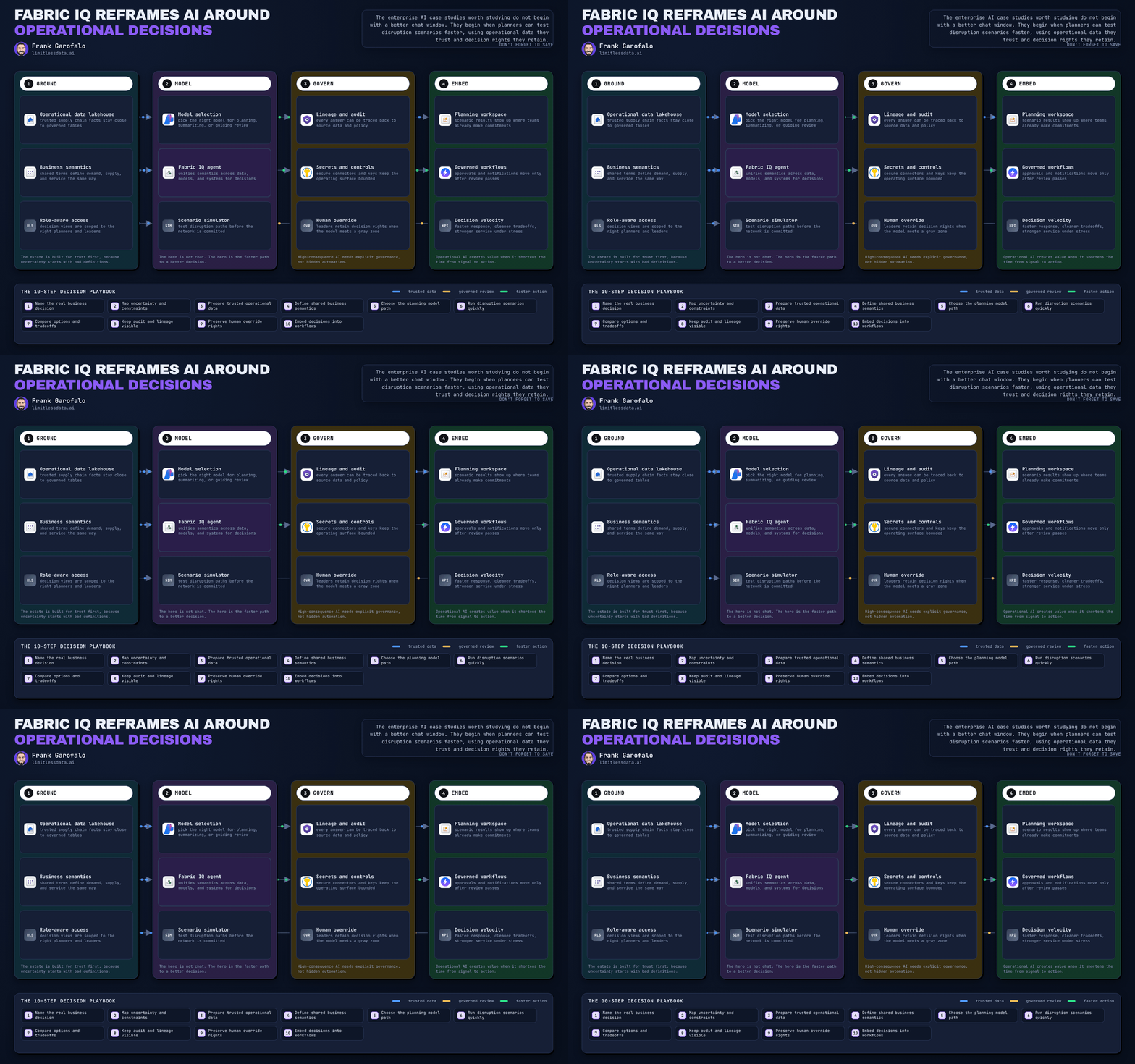
Power BI’s June 2026 update is not mainly a BI story. It is the clearest signal yet that Microsoft Fabric is becoming operationally adoptable for mainstream enterprises.
That is the real headline.
Not because this month delivers one dramatic feature. And not because Microsoft suddenly solved every platform gap. It matters because the update continues a pattern: Power BI, still the most widely deployed analytics surface in the Microsoft estate, is carrying Fabric’s governance, AI, and developer model into environments that already exist.
That is how platform adoption actually happens.
Most organizations do not begin with a pristine Fabric-first architecture. They begin with the Power BI estate they already have: workspaces, semantic models, refresh schedules, premium decisions, tenant settings, and a governance model that is usually part intentional design and part historical accident.
So if you want to know whether Fabric is becoming real, watch Power BI releases more closely than keynotes.
Why Power BI is still the front door to Fabric
This is the part many strategy decks get backwards.
Fabric may be sold as a unified data platform, but in practice the first mile of adoption is rarely lakehouse-led. It is usually Power BI-led, because that is where trust, usage, and budget already live.
If a leadership team can make the existing Power BI estate safer to govern, easier to extend, and more useful for AI, Fabric stops looking like a disruptive migration and starts looking like a rational next step.
That is why June 2026 matters. It reduces friction at the entry point.
My view is simple: Microsoft is getting this part right. Instead of asking customers to leap into Fabric through abstract platform messaging, it is using the installed Power BI base as the adoption bridge. That is smart. It respects how enterprise change really works.
But there is also a warning in that strategy: if your Power BI estate is messy, Fabric will expose the mess faster than it fixes it.
A manufacturing team I advised recently found that nearly half its workspaces had no clear owner and a meaningful share of premium-backed semantic models were duplicated across regions. Their Fabric conversation changed immediately. The issue was no longer “Should we modernize?” It was “Can we govern what we already have?”
That is why this update should be read less as a feature bundle and more as a maturity checkpoint.
What in June 2026 actually signals maturity
The strongest argument for this release is not broad Microsoft positioning. It is the specific shape of the June 2026 changes.
A few examples stand out.
First, the continued push around Power BI MCP servers in preview matters more than it may look on paper. On its own, “agents can interact with Power BI through Model Context Protocol” sounds like another AI-adjacent announcement. Strategically, it is bigger than that. It means semantic models and BI assets are being treated as machine-readable context, not just human-facing reports. That is a platform move.
Second, Fabric data agent being generally available is another concrete sign of maturity. GA matters because it shifts the conversation from experimentation to supportability. Enterprises do not standardize around preview narratives. They standardize when capabilities become governable enough to put in front of real users.
Third, the June wave continues to strengthen the developer and admin surface around Power BI as part of the broader Fabric operating model. That matters because enterprise adoption is won through APIs, automation, monitoring, and policy controls, not through demo-friendly visuals. If the platform is easier to inspect, script, and govern, adoption risk drops.
Fourth, the ongoing convergence of Power BI Premium concepts within Fabric is strategically important even if it is still commercially messy. It signals that Microsoft wants BI capacity, governance, and platform expansion to be managed as one continuum. That is good for consolidation, even if it still creates confusion for finance teams.
Taken together, these are not isolated enhancements. They all support the same direction: reduce the distance between today’s Power BI estate and tomorrow’s Fabric operating model.
That is why I think this is the clearest signal yet.
The real story is friction reduction, not feature novelty
The smartest way to read June 2026 is through three questions:
- Does it reduce adoption friction?
- Does it improve governance confidence?
- Does it make analytics assets more reusable across Fabric and AI workflows?
That is a better lens than “What is the killer feature?”
Because enterprise platform decisions are not usually triggered by novelty. They are triggered when the control plane starts to feel safer than the status quo.
A practical response to this release is to treat it as a readiness assessment trigger. Start by inventorying the Power BI estate you already have: workspaces, capacities, semantic models, ownership patterns, refresh behavior, and sharing controls.

The important thing here is the order. Inventory and governance come before enablement. That is the right sequence if your goal is platform adoption rather than isolated BI optimization.
These examples are schematic and meant to show the assessment logic, not production-ready admin automation.
# Illustrative pattern: inventory Power BI workspaces to estimate Fabric migration scope.
# In production, use a real Entra ID token, handle pagination via continuation tokens/next links,
# and ensure the caller has the required Power BI admin or delegated scopes.

import requests
from collections import Counter

TOKEN = "YOUR_BEARER_TOKEN"
BASE = "https://api.powerbi.com/v1.0/myorg/admin/groups"
headers = {"Authorization": f"Bearer {TOKEN}"}

workspace_types = Counter()
dedicated_capacity = 0
url = BASE

while url:
    resp = requests.get(url, headers=headers, timeout=30)
    resp.raise_for_status()
    payload = resp.json()

    for g in payload.get("value", []):
        workspace_types[g.get("type", "Workspace")] += 1
        if g.get("isOnDedicatedCapacity"):
            dedicated_capacity += 1
        print({
            "workspace": g.get("name"),
            "id": g.get("id"),
            "type": g.get("type", "Workspace"),
            "isOnDedicatedCapacity": g.get("isOnDedicatedCapacity", False),
            "capacityId": g.get("capacityId")
        })

    url = payload.get("@odata.nextLink")

print("workspace_types:", dict(workspace_types))
print("dedicated_capacity_count:", dedicated_capacity)
What matters in an exercise like this is not technical elegance. It is what the metadata tells you. Workspace type, ownership, and dedicated capacity status quickly reveal where Fabric expansion will be easy and where it will become political.
If your estate is full of duplicated semantic models, unclear ownership, and inconsistent refresh discipline, your blocker is not lack of Fabric ambition. It is governance debt.
From dashboards to agents is the real strategic shift
The biggest change in the Microsoft analytics stack is not visual. It is agentic.
Power BI MCP servers, Fabric data agent, and Fabric IQ all point in the same direction: analytics assets are becoming context for AI systems, not just outputs for business users.
That changes the value of a governed semantic model.
A semantic model used to be judged mainly by whether it supported trusted reporting. Now it also needs to support machine interpretation, reusable business context, and safe interaction by agents. That raises the bar for metadata quality, definitions, ownership, and access control.
This is where Microsoft is genuinely ahead in narrative, if not yet perfectly ahead in execution. It understands that the next analytics battleground is not dashboard consumption. It is whether governed enterprise data can be made usable by agents without collapsing trust.
That is exactly why Power BI matters so much in the Fabric story. It already sits closest to the business definitions that matter. If Microsoft can turn those definitions into governed AI context, it has a powerful adoption path.
But leaders should stay skeptical about one thing: agentic analytics is only as good as the semantic discipline underneath it. If your models are inconsistent, undocumented, or politically contested, adding agents will amplify confusion faster than it creates value.
Governance and capacity are still the real adoption gates
Here is the least glamorous and most important truth in this entire conversation: governance, not shiny features, is what unlocks platform consolidation.
Fabric will not become the standard because it has the broadest architecture diagram. It will become the standard if leaders believe they can control sprawl, manage capacity, govern sharing, and explain the economics.
This is where Power BI’s role is decisive. If the existing BI layer feels governable, adjacent Fabric workloads become easier to justify. If it does not, the broader platform case weakens immediately.
That is why every June 2026 review should include tenant settings, sharing posture, capacity health, and performance headroom.
# Sample scoring logic using mock data to illustrate governance/capacity assessment.
# In production, source these signals from Power BI admin APIs, activity events,
# tenant settings exports, and Fabric/Capacity monitoring workflows.

$tenantSettings = @(
    [pscustomobject]@{ Setting = "PublishToWeb"; State = "Disabled"; Weight = 30 },
    [pscustomobject]@{ Setting = "ExternalSharing"; State = "Enabled"; Weight = 20 },
    [pscustomobject]@{ Setting = "CreateWorkspaces"; State = "Restricted"; Weight = 15 }
)

$capacitySignals = @(
    [pscustomobject]@{ Capacity = "F64-Prod"; CpuPct = 58; MemoryPct = 62; DelayMs = 420 },
    [pscustomobject]@{ Capacity = "F32-Dept"; CpuPct = 91; MemoryPct = 88; DelayMs = 1800 }
)

$governanceScore = 100
if (($tenantSettings | Where-Object { $_.Setting -eq "PublishToWeb" -and $_.State -eq "Enabled" }).Count -gt 0) { $governanceScore -= 30 }
if (($tenantSettings | Where-Object { $_.Setting -eq "ExternalSharing" -and $_.State -eq "Enabled" }).Count -gt 0) { $governanceScore -= 10 }

$capacityScore = 100
foreach ($c in $capacitySignals) {
    if ($c.CpuPct -gt 85 -or $c.MemoryPct -gt 85 -or $c.DelayMs -gt 1500) { $capacityScore -= 25 }
}

[pscustomobject]@{
    GovernanceScore = $governanceScore
    CapacityScore   = $capacityScore
    OverallStatus   = if (($governanceScore + $capacityScore) / 2 -ge 75) { "ReadySoon" } else { "StabilizeFirst" }
} | Format-List
This kind of scoring is intentionally simple, but the principle is right: adoption should be gated by operational readiness, not enthusiasm.
One of Microsoft’s strengths right now is that it is making governance and AI part of the same platform conversation. One of its weaknesses is that licensing and capacity planning still require too much interpretation. That is where many leaders will remain cautious, and reasonably so.
What leaders should do next
If you lead data, analytics, or platform strategy, use this release as a diagnostic moment.
- Inventory the Power BI estate.
- Identify ownership and semantic quality gaps.
- Review tenant settings and external sharing posture.
- Check capacity headroom and interactive performance.
- Map where agentic use cases actually need governed analytics context.
- Phase Fabric adoption by domain readiness, not by executive ambition.
And be selective. Strong Power BI momentum does not prove every Fabric workload is equally ready for standardization. Power BI can be the right front door without every downstream workload belonging in wave one.
That is the nuance leaders need.
# Sample rollout planning logic using mock domain scores.
# Use real governance, capacity, skills, and adoption metrics in production.

$domains = @(
    [pscustomobject]@{ Domain = "Finance"; GovernanceScore = 90; CapacityScore = 85; SkillsScore = 70 },
    [pscustomobject]@{ Domain = "HR"; GovernanceScore = 75; CapacityScore = 60; SkillsScore = 65 },
    [pscustomobject]@{ Domain = "Sales"; GovernanceScore = 88; CapacityScore = 92; SkillsScore = 80 }
)

$domains | ForEach-Object {
    $total = [math]::Round(($_.GovernanceScore * 0.4) + ($_.CapacityScore * 0.4) + ($_.SkillsScore * 0.2), 1)
    $wave = if ($total -ge 85) { "Wave 1" } elseif ($total -ge 70) { "Wave 2" } else { "Wave 3" }
    [pscustomobject]@{
        Domain      = $_.Domain
        Readiness   = $total
        RolloutWave = $wave
    }
} | Sort-Object Readiness -Descending | Format-Table -AutoSize
My bottom line: June 2026 matters because it shows Microsoft understands the real Fabric adoption curve. The path is not “announce a bigger platform and wait.” The path is to make the existing Power BI estate more governable, more extensible, and more useful as AI context.
That is what this release signals.
It also leaves real caveats in place: licensing is still too confusing, skills requirements are rising, and not every Fabric workload has earned equal trust yet. Leaders should stay clear-eyed about that.
But this is what platform maturity looks like in practice: less slideware, more operational fit.
Which part of this argument would you reverse: that Power BI is the front door to Fabric, or that governance maturity matters more than any June 2026 feature headline?
#MicrosoftFabric #PowerBI #DataGovernance
Try it yourself
Run this tutorial as a Jupyter notebook: Download runbook.ipynb (24 cells, 19 KB).